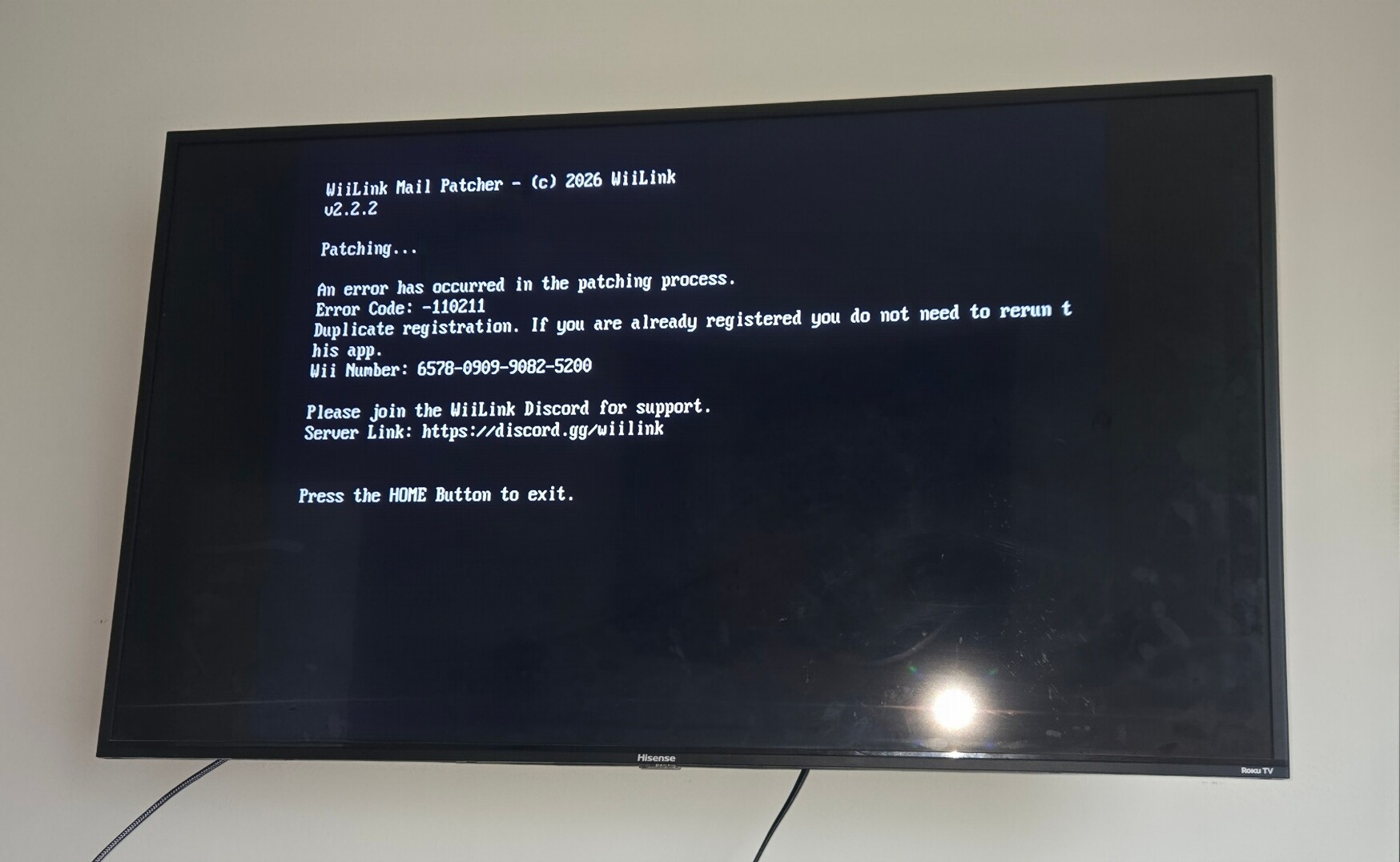
Hi, I’m getting the error code -110211 on Mail Patcher. Wii code 6578090990825200. Thanks
1 Like
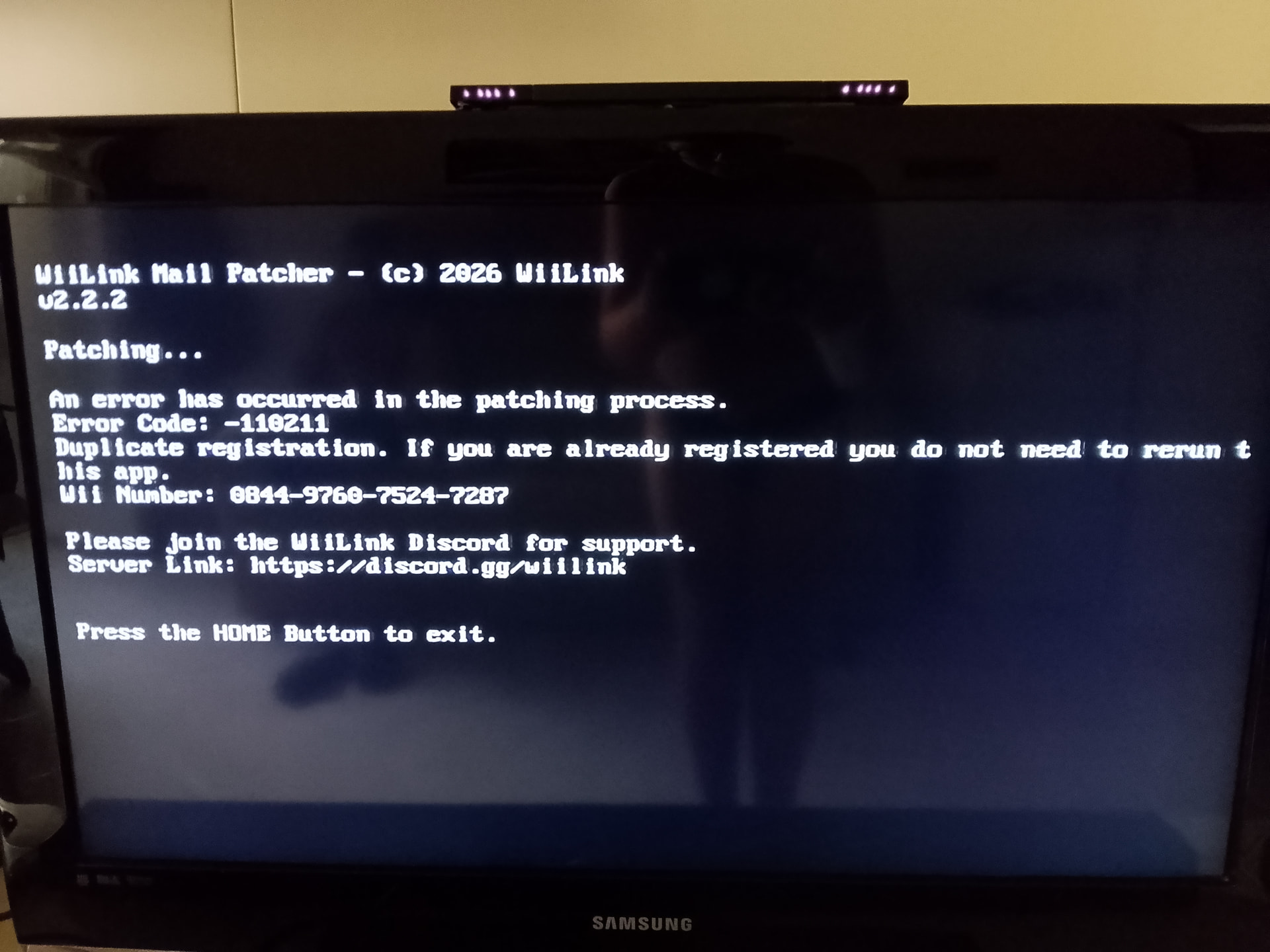
Hello, I already updated my WiiLink Patcher to the latest version, but I am still getting Error 110211. Could you please manually delete my Wii Number from your database?My Wii Number is: 0844976075247287
Thank you!
@Francy2910 @CodVapes
Both done! Try again now.
Ok now it works thanks
hello I tried to patch for getting Wii link 24 service and told me give the Wii number here you go : 4276-9636-1150-4258
Hello! I recently tried to run the WiiLink24 Patcher v2.0.1 and it isn`t worked.
I’m getting error -110211 (or the Mail Patcher saying my console is already registered) when trying to run the WiiLink Mail Patcher.
I previously had the old RiiConnect24 installed and now I’m trying to cleanly switch to the latest WiiLink24.
Which make me believe my Wii may still have some leftover data/configuration from an old RiiConnect24 patch. I would like to completely remove the old RiiConnect24 patch data and apply the latest WiiLink24 patch correctly.
Currently, the News Channel and Nintendo Channel are not working.
My Wii System Menu version is 4.3U.
Wii Number: 3605 9414 0980 3973
Could someone please guide me on the safest way to remove the old RiiConnect24 data and apply the current WiiLink24 patches? I want to make sure I don’t have conflicting or outdated patches installed.
Thank you!
@D7.france @TiagoTheGamer Hi! You both need to provide proof these are your Wii Numbers before I will delete them (a picture of the error screen suffices).
I think the reason I’m getting the error is because I used RiiConnect24, please could you remove me from the database?
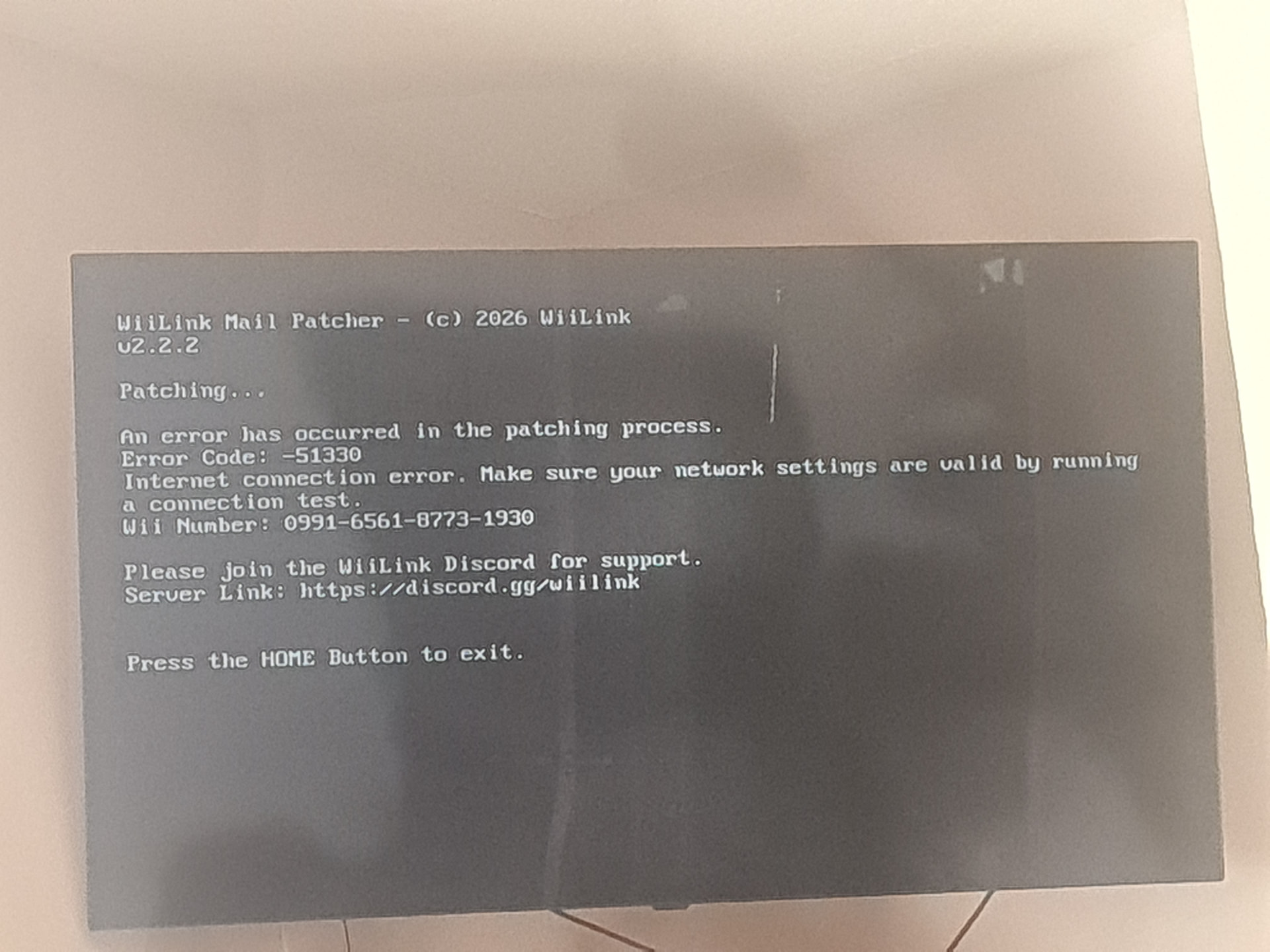
My Wii code : 0991 6561 8773 1930
Hi, thanks for the reply!
I can only take a photo of the error on Friday, as I’m busy until then. I’ll post it here as soon as I can on Friday.
Hi, this error is because your Wii is unable to connect to your router. As it says on screen, run a connection test in settings and try again.
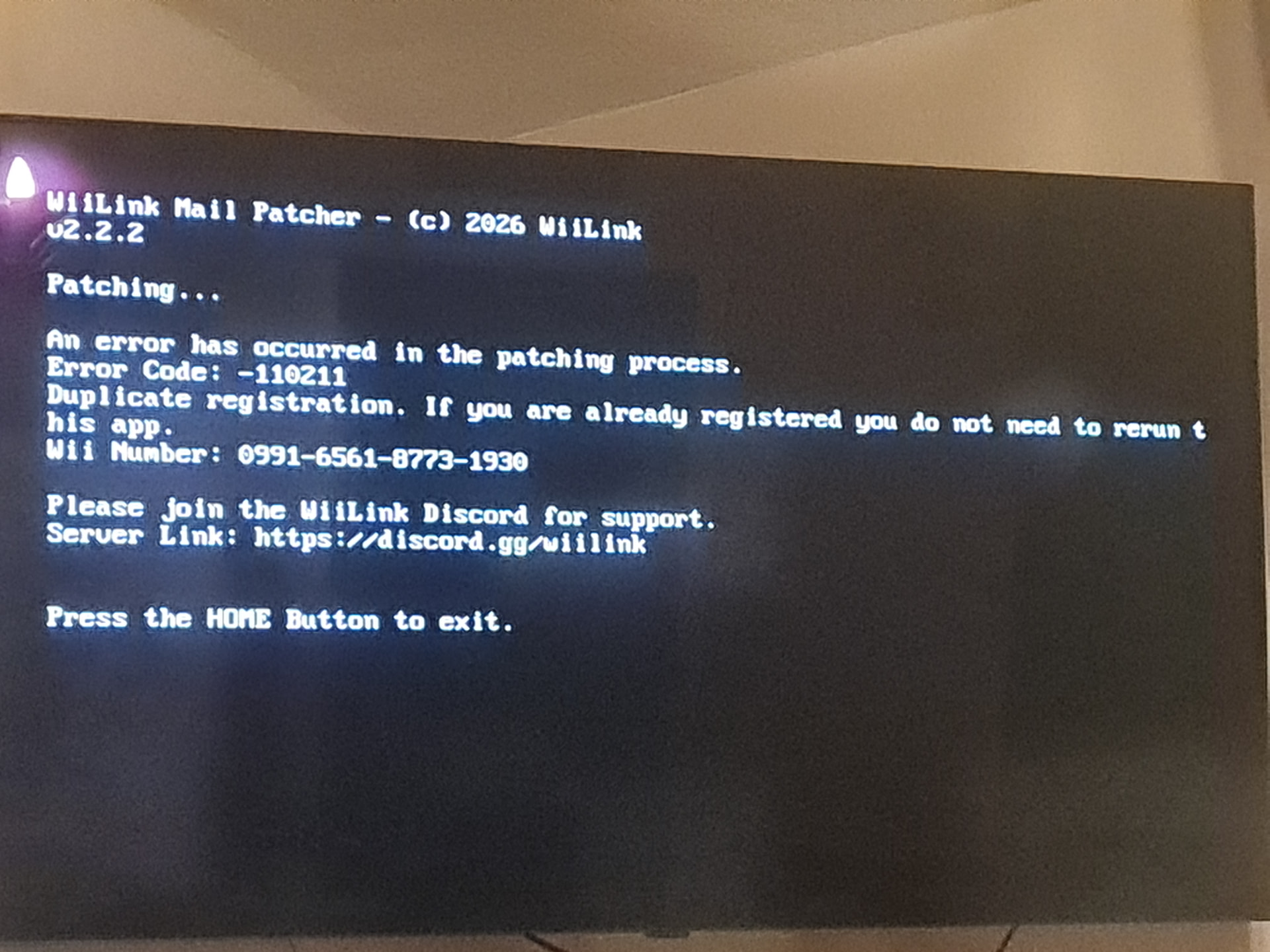
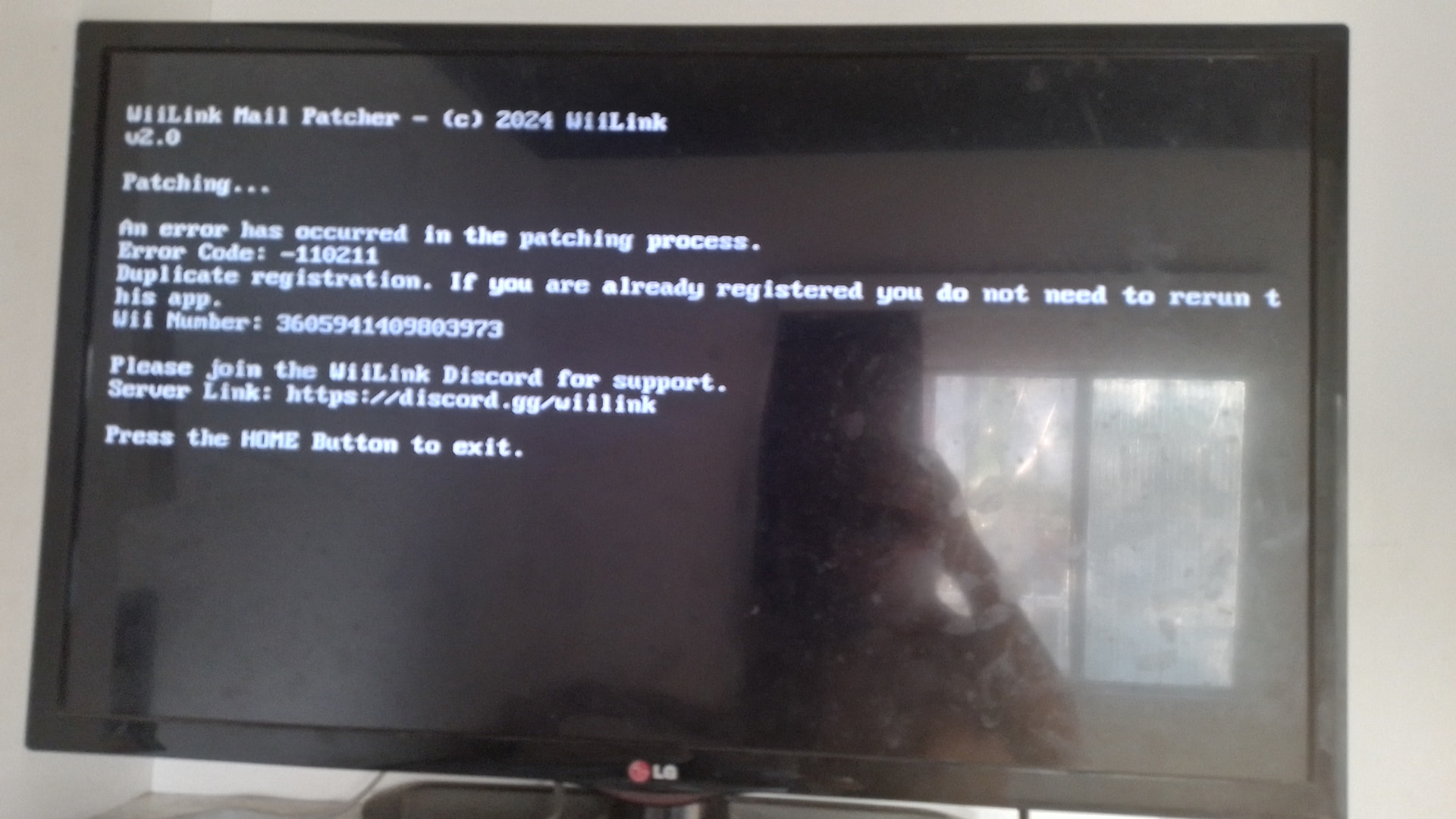
Hi, as promised, here’s the screenshot of the Mail Patcher error.
My Wii Number is: 3605-9414-0980-3973
After you delete the number, I want to do a clean install of the latest WiiLink.
Can I uninstall all the old WiiLink WADs (including Address Settings) and then run the newest Patcher?
Also, what is the best way to completely remove any remaining old files/residuals from the previous WiiLink / RiiConnect24 installation?
Thank you!
Hi, @harry just checking in.
I posted the photo of the Mail Patcher error 4 days ago.
Could you please delete my Wii Number (3605-9414-0980-3973) when you have a moment?
Thank you!
Done! Run the patcher again, it should work now.
1 Like
This screenshot shows an outdated version of the patcher that used to display the -110211 error even when everything was patched fine. Please can you use the latest version from WiiLink Mail Patcher - Open Shop Channel, then let us know if the issue persists.
Now the latest version of WiiLink Mail Patcher worked successfully! Thanks a lot for your help! 
Hello, @harry! I am getting error 110211 on the Mail Patcher. Can you please delete my Wii Number from the database? My Wii Number is: [1856-6421-6759-7003]
(+) I have a problem with the DNS too. I’m putting the correct DNS… the primary and the secondary DNS are correct and when I click the agreement and click yes it doesn’t show the I agree. That means that I cannot use the services like the forecast channel or the news channel and some other channels.
Thank You!
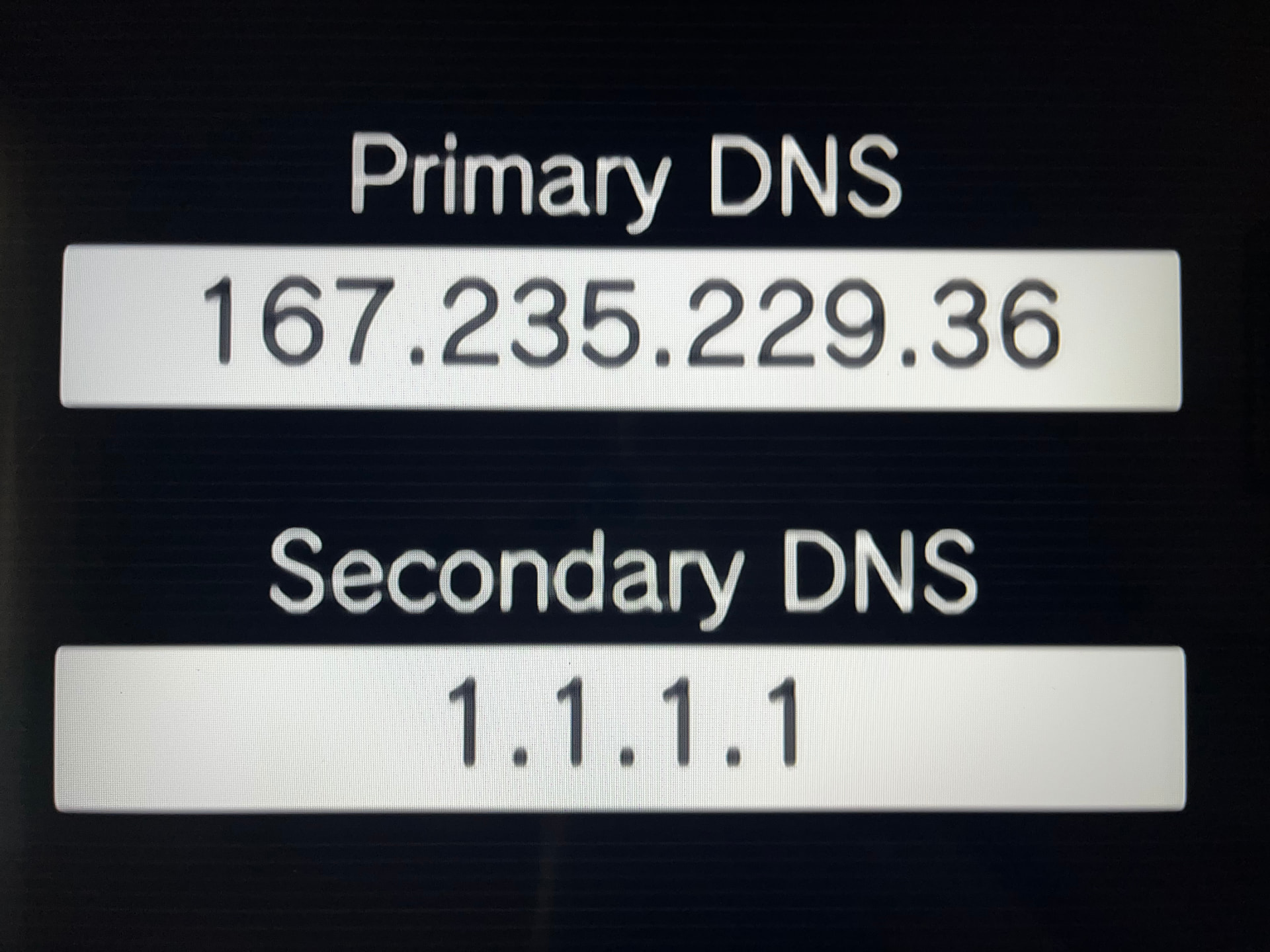
Hey, I started using wiilink yesterday but then my wifi disconnected and now whenever I try to do a connection test I get error 110211. Im wondering if you guys could do anything that will help with that? My Wii number is 1705 0713 2775 5216. Thanks!
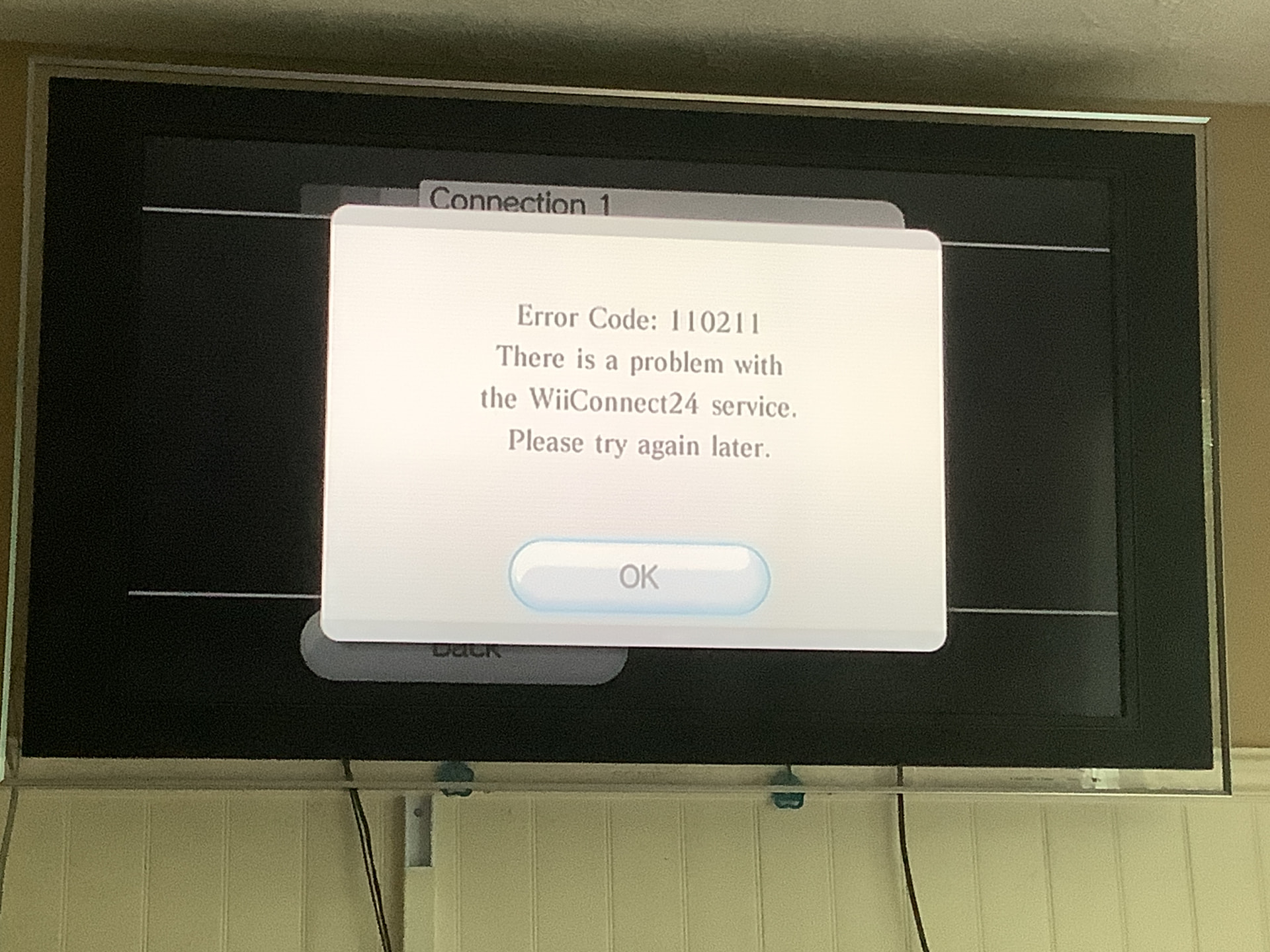
Hi,
For me to resolve your issue with the Mail Patcher, I will need a photo of the error occurring.
As for the issue you describe with the DNS and the user agreements, I’d recommend opening another thread with more details so I can assist further.
1 Like