Hello, I keep getting this error and I don’t know why. This error persists when I’ve tried everything, anyone know the solution?
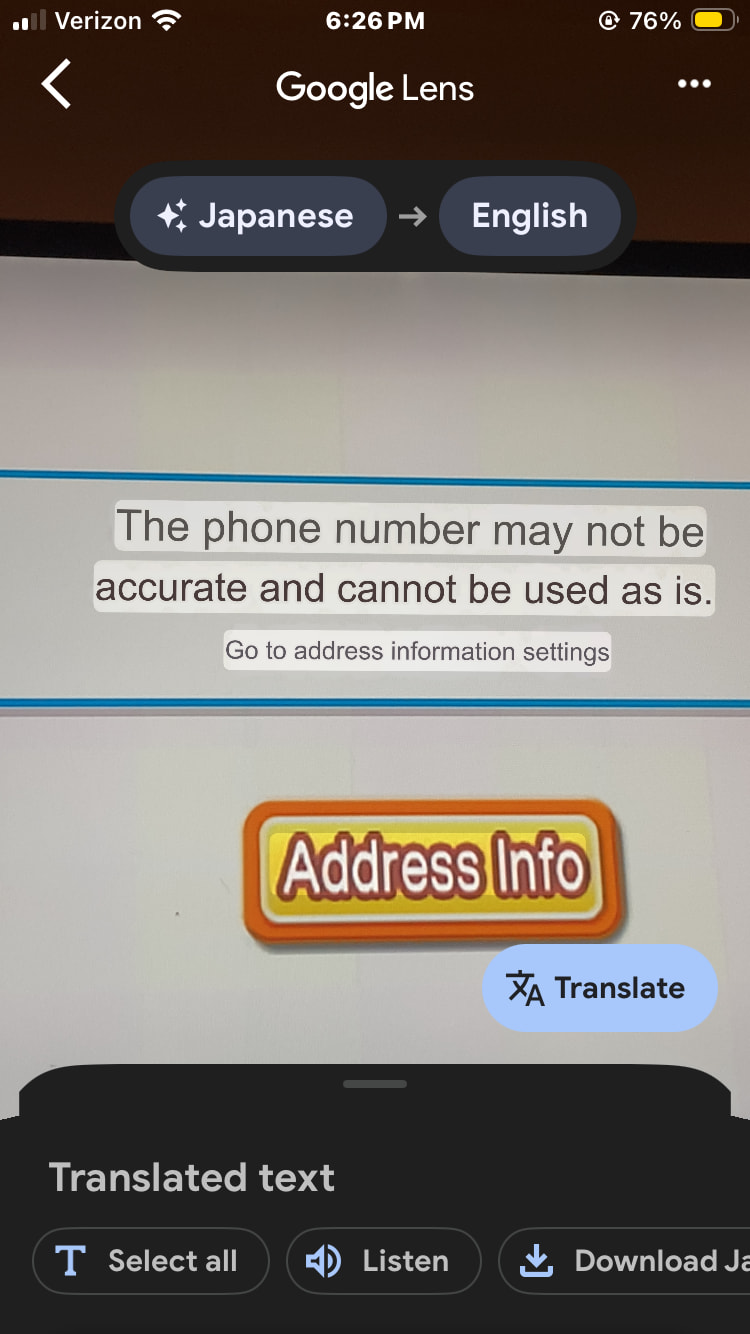
U activated real ordeirng on your account, linked your wiilink account to your wii and use domino WAD right?
Oh right, I remember this one. This was one of the worst errors I ever had.
The problem here is not because of the channel, but because of the address info channel.
I’ll guide you to solve this (by what I remember)
-
Delete the Food channel data on your setting
-
Go to Homebrew Channel → YAWMM (or any wad installer) → Wiilink Address Info wad → Delete It (uninstall wad) → Delete also the Food Channel (uninstall wad)
-
Reinstall them again. Always on YAWMM (or any wad installer you’re using) Install (before the Food Channel) the Wiilinl Address Info wad (install wad) and then install the Food Channel (install wad).
-
return back to your Wii Menu and now it should work if you go to Food Channel
If it doesn’t work, then reinstall again (by not uninstall it this time) the Wiilink Address settings wad on your wad installer.
When I did that, I remember I solved the problem by seeing (during the install or uninstall but now I don’t remember well) an error, maybe it was uninstall. Idk if you’ll have this same situation, but hope this helps.
I’ll give you also a message: John 3: 16-17
It helps others by finding real peace and joy in life. 
This is completely incorrect.
Japanese error with Address Info button in Food Channel Standard Ordering
Set the phone number to 080########, and replace the #'s with any numbers you want
Well, one year and half ago I tried it and somehow worked 
All these other replies, I have done like linking my wiilink account. I tried the number thing 080 because I’m Canadian I tried to see if it was working for an American phone number and then I did that with a 080 in front of it. I uninstalled it and installed it and somehow it still doesn’t work. The only time I did was when I put in a random Japanese phone number and then it pulled some address in Japan saying wiilink for the address even though I had my address filled and I also have the food delivery settings for Domino’s Pizza real ordering on enabled the only thing that I can think of is how the number that it pops up on the Wii to put on to the website to link your account. That number doesn’t match up with my linked Wii number on my profile on wiilink once am signed in